
Radiology presentations,
pages, and conferences
with integrated PACS
Welcome to RadPPTX! Here you can make narrated presentations or webpages with an integrated zero-footprint PACS viewer for free! You can even use your presentations to give live conferences with audience response. While RadPPTX is now closed to new users, our new platform DicomTube, has all these capabilities for new users.
Convert your existing presentations
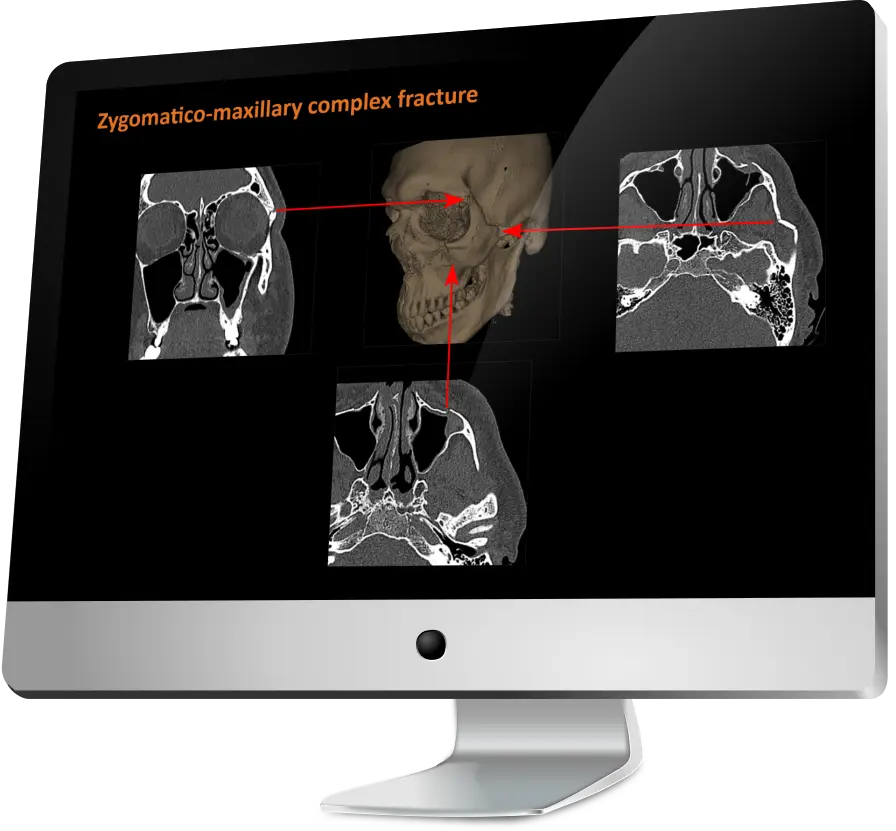
You can convert your existing presentations in PPTX format and replace the static images with full functionality PACS viewer panels.

Intuitive drag and drop interface
User interface designed by a radiologist to be as intuitive and low-friction as possible.

Live conferencing
Give a live Zoom-like conference using your presentations, complete with integrated PACS, audience response and the ability for all participants to use the PACS seamlessly. See the demo or how-to guide.

No DICOM files saved
We use our own custom file format and do not save any DICOM files you import, protecting sensitive patient information in DICOM headers*.
*See FAQ for full details

Blazing fast
We use multi-threading to process images and utilize GPU acceleration for 3D MPR and surface reconstructions. All presentation data/images are stored on Amazon Web Services for fast delivery.
Easily convert your existing PowerPoints
- Import your PPTX file
- Import your DICOM files or JPEG series
- Drag and drop your DICOM series on the PowerPoint images
- Adjust the DICOM images as needed
You can optionally add additional DICOM panels, text, annotations, 3D surface reconstructions, or even new slides using the editor. See our full YouTube demo video.